Willus.com Home   |   Archive   |   About  

Willus.com's K2pdfopt Help Page

Return to K2pdfopt Home Page

MENU
Getting Started:
    1. Windows
  2. Linux
  Ubuntu
  3. Mac OSX

K2PDFOPT FAQ

Customizing K2PDFOPT:
    1. The interactive menu
    2. List of command-line options
    3. Using a shortcut
  4. Using the K2PDFOPT environment variable
  5. Using the command line

Adjusting the output:
    1. Screen Size
    2. Increasing the magnification
    3. Landscape mode
    4. Output File Size
    5. Setting Margins
    6. Color Output
    7. Uneven Line Breaks/ Excess Margins

Processing Options:
    1. Showing Markings
    2. Auto-Straightening
    3. Ignoring Borders/ Headers/Footers
    4. Detecting Columns
    5. Column Order
    6. Right-to-Left Page Scanning
    7. Using Ghostscript
 
  LANDSCAPE MODE
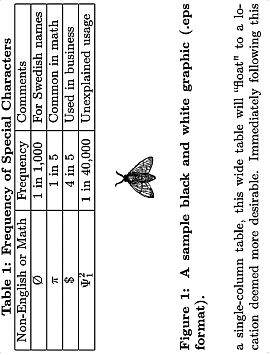
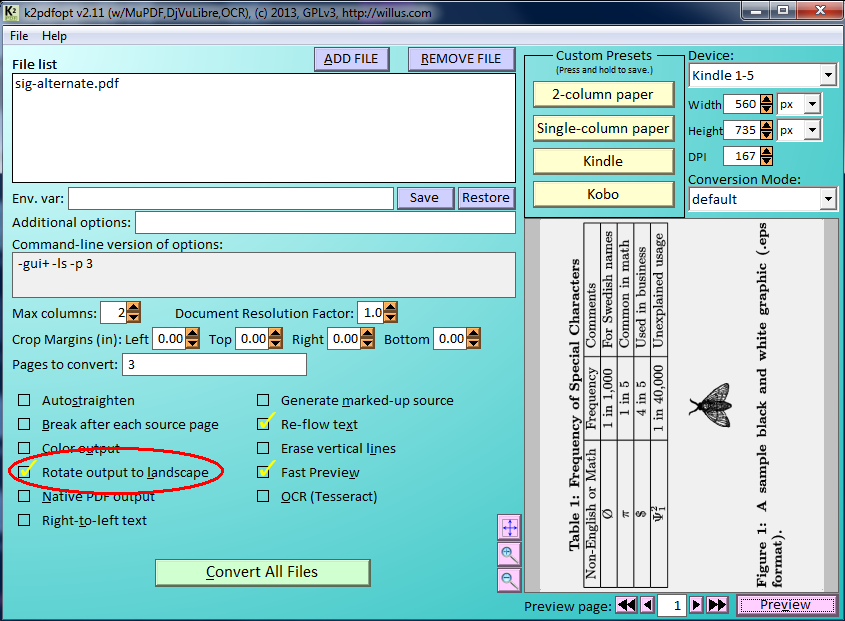
Landscape mode (use -ls from the command line or select option (l) from the interactive settings menu) can be used to increase the text magnification at the expense of having more pages. There is a blog page by sepa.spb.ru on k2pdfopt landscape mode with some details on possible options.
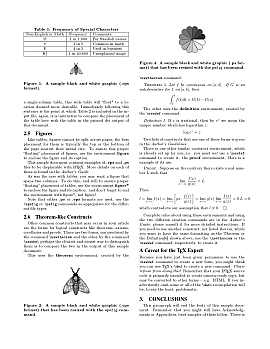

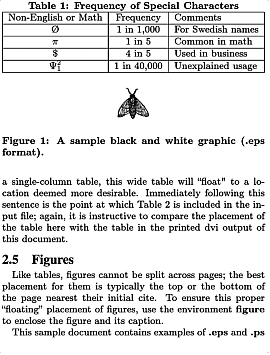
Original file (p. 3)
 
Default conversion of p. 3
 
Conversion of p. 3 using -ls.
(Turning kindle on its side to read.)


This page last modified
Thursday, 16-Feb-2012 22:00:28 CST